NEW Now on iPhone, Android and desktop

Real estate photos
that sell.

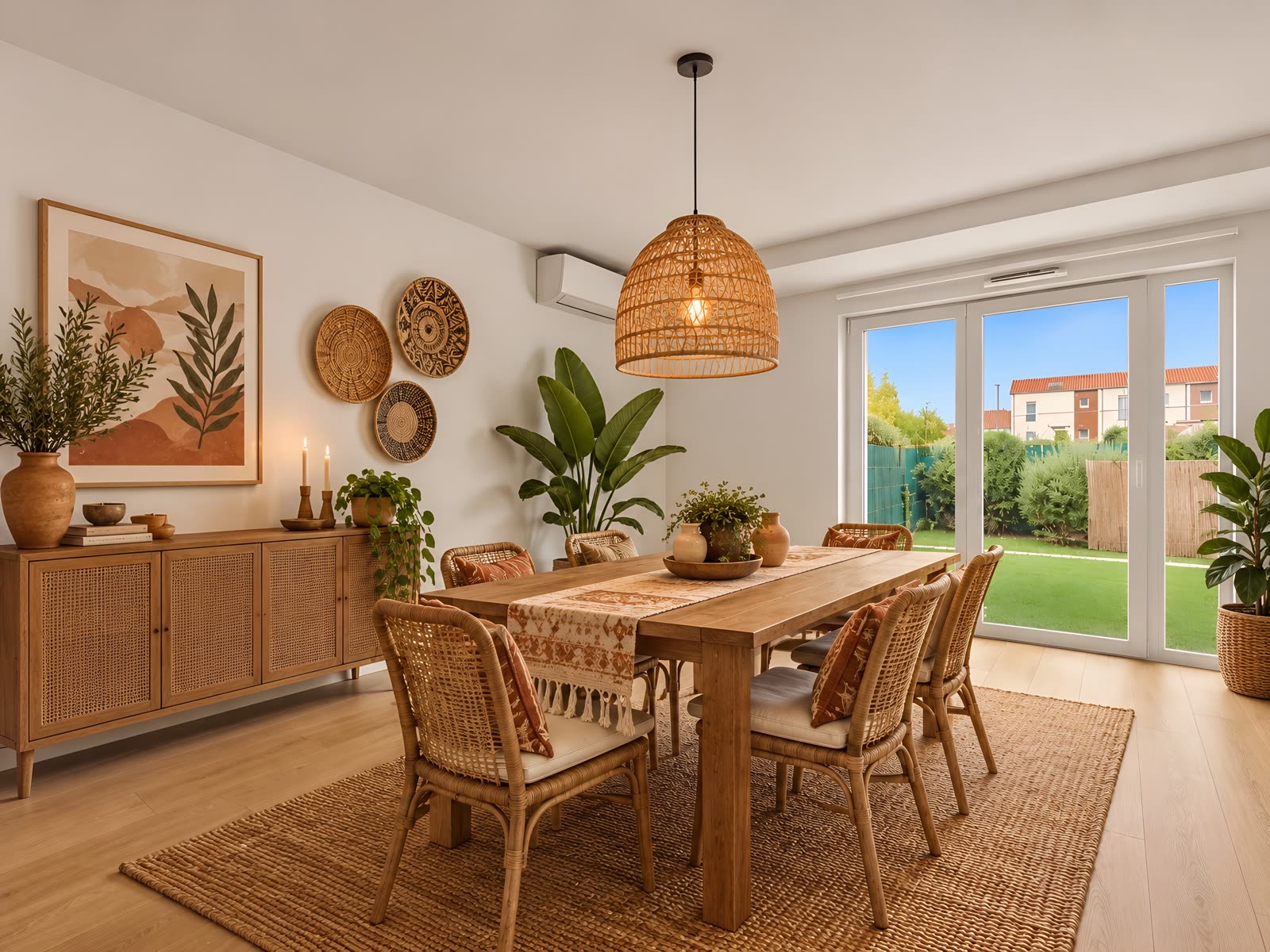
The AI real estate photo editor: editing with HDR window recovery, virtual home staging, video from your own photos — and a valuation at the right price.

Don't want to install anything? Open it in your browser — same account, same credits.

● 5 free credits ⚡ ~8 s per photo € Public pricing, no commitment
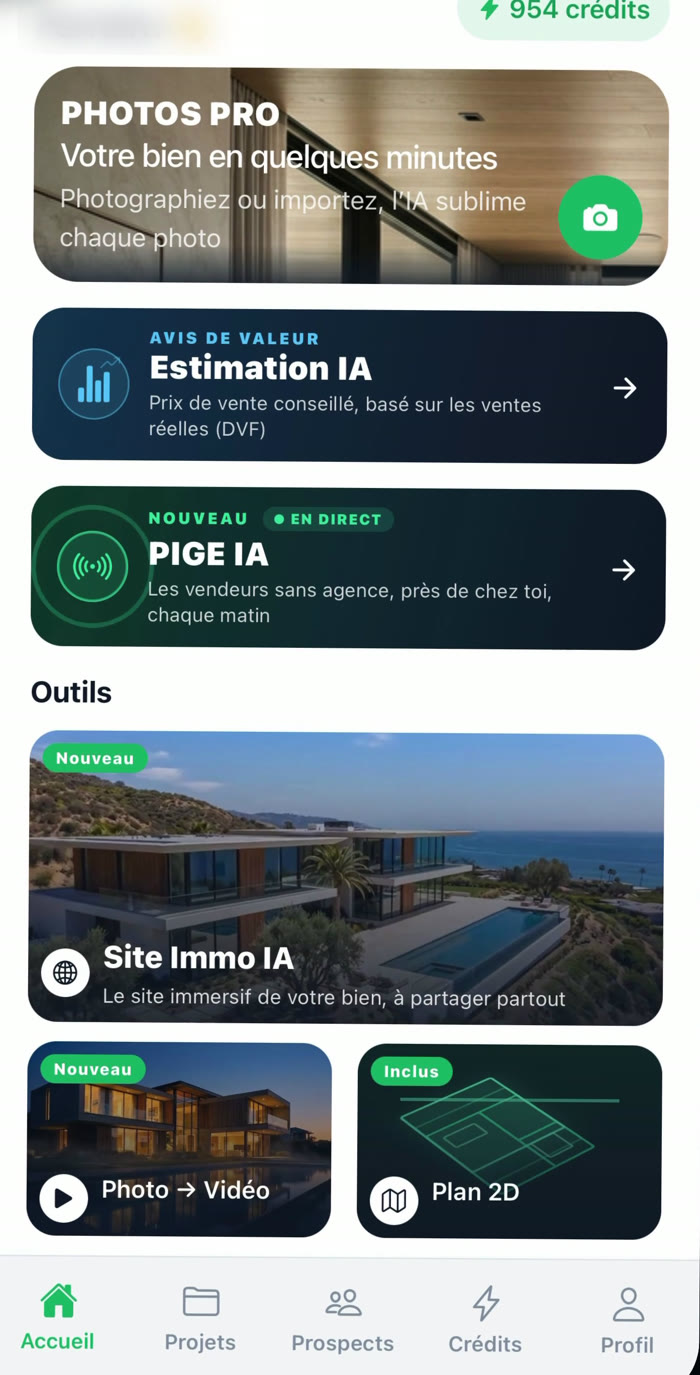
The WeRetouche app on iPhone
✨Retouche~8 seconds
🛋️Furnished by AIempty room
The photos

From the viewing to the published listing.

Four steps, in the order you actually do them. Each costs credits, shown before you start.

1 Edit 2 Clear out 3 Furnish 4 Turn into video
Step 1 · Edit

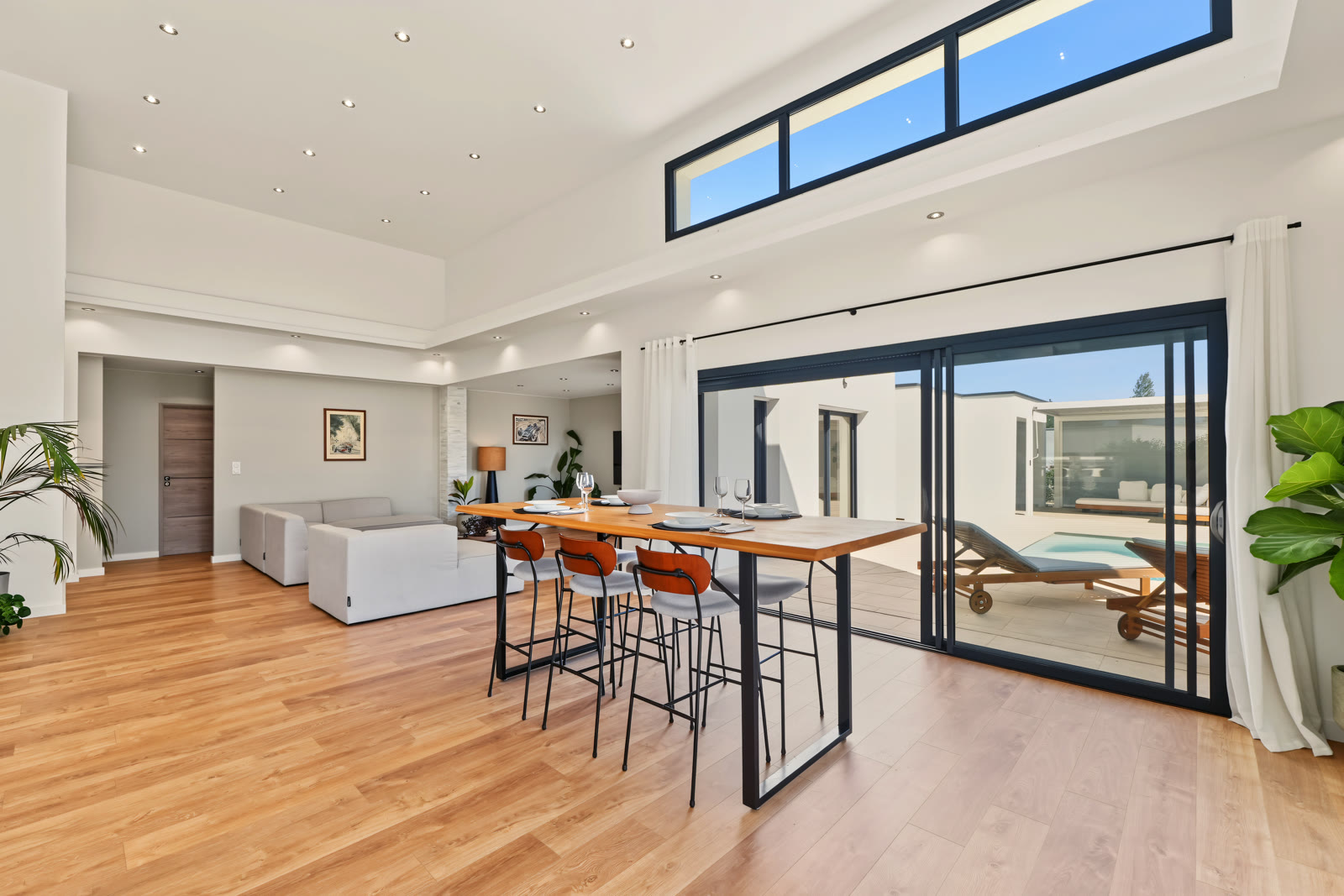
The right light, the windows brought back.

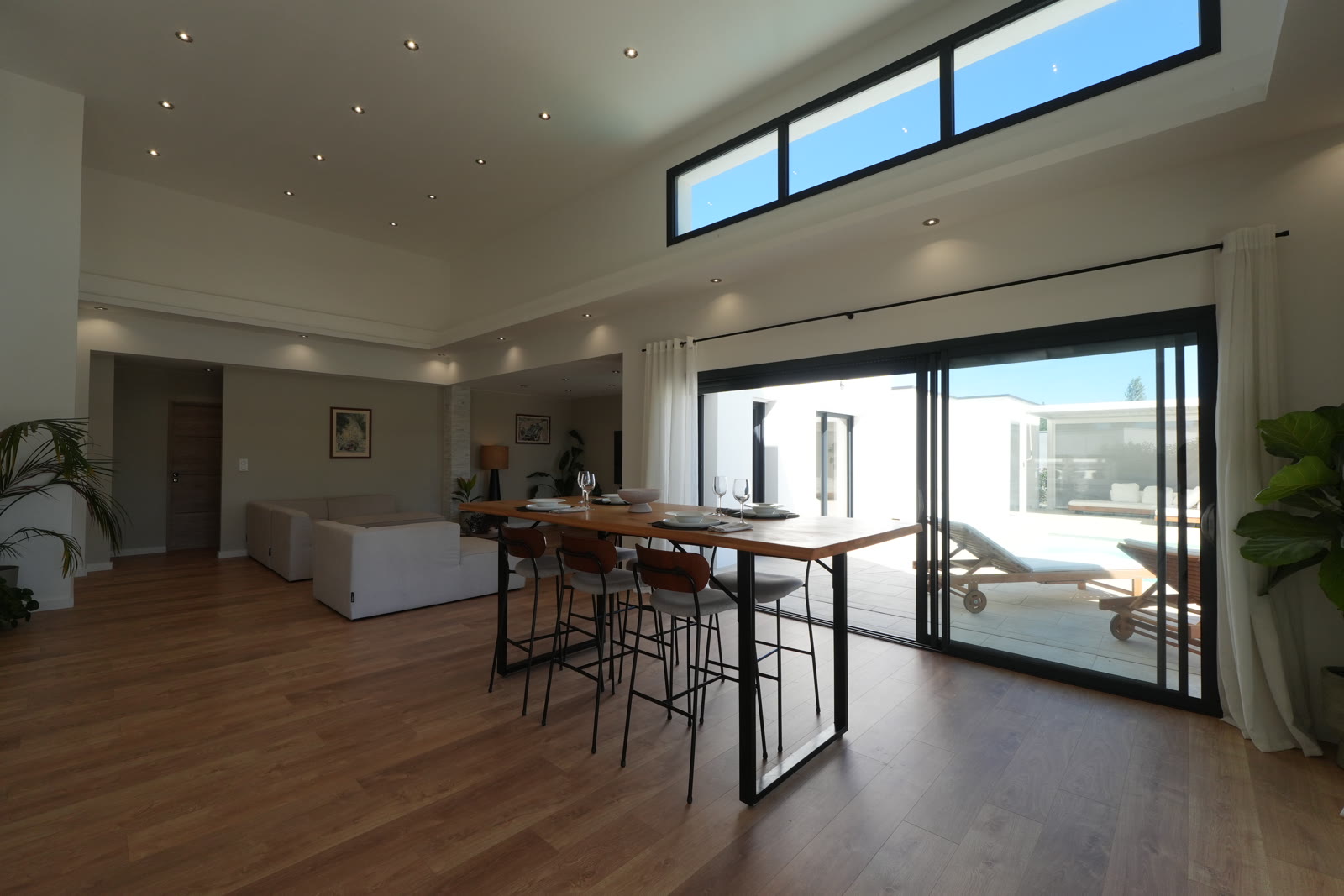
A room is always darker than the window. The phone has to choose: the view outside, or the room. HDR processing brings back both in the same photo, straightens the verticals and cleans up the colours.

  • Blown-out windows recovered
  • Straight walls, corrected perspective
  • HD output with no watermark, ready for the portals
1 credit = 1 HD photo
Dark living room, blown-out window, before editing The same living room after editing: light restored, pool visible through the glass doors BEFOREAFTER
⇄

Drag the slider — real photo, real processing.

Step 2 · Clear out

Remove what stops a buyer picturing themselves there.

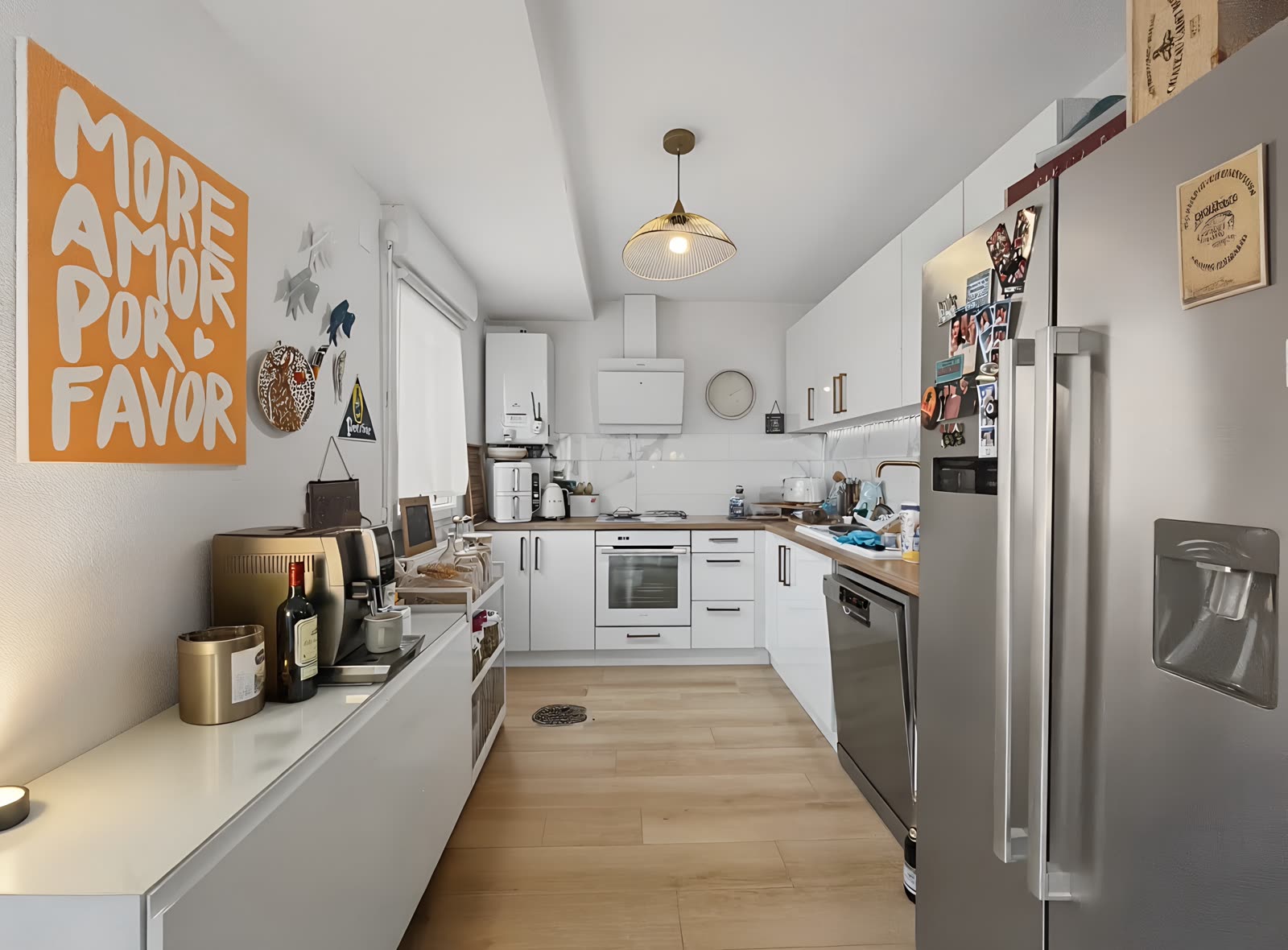
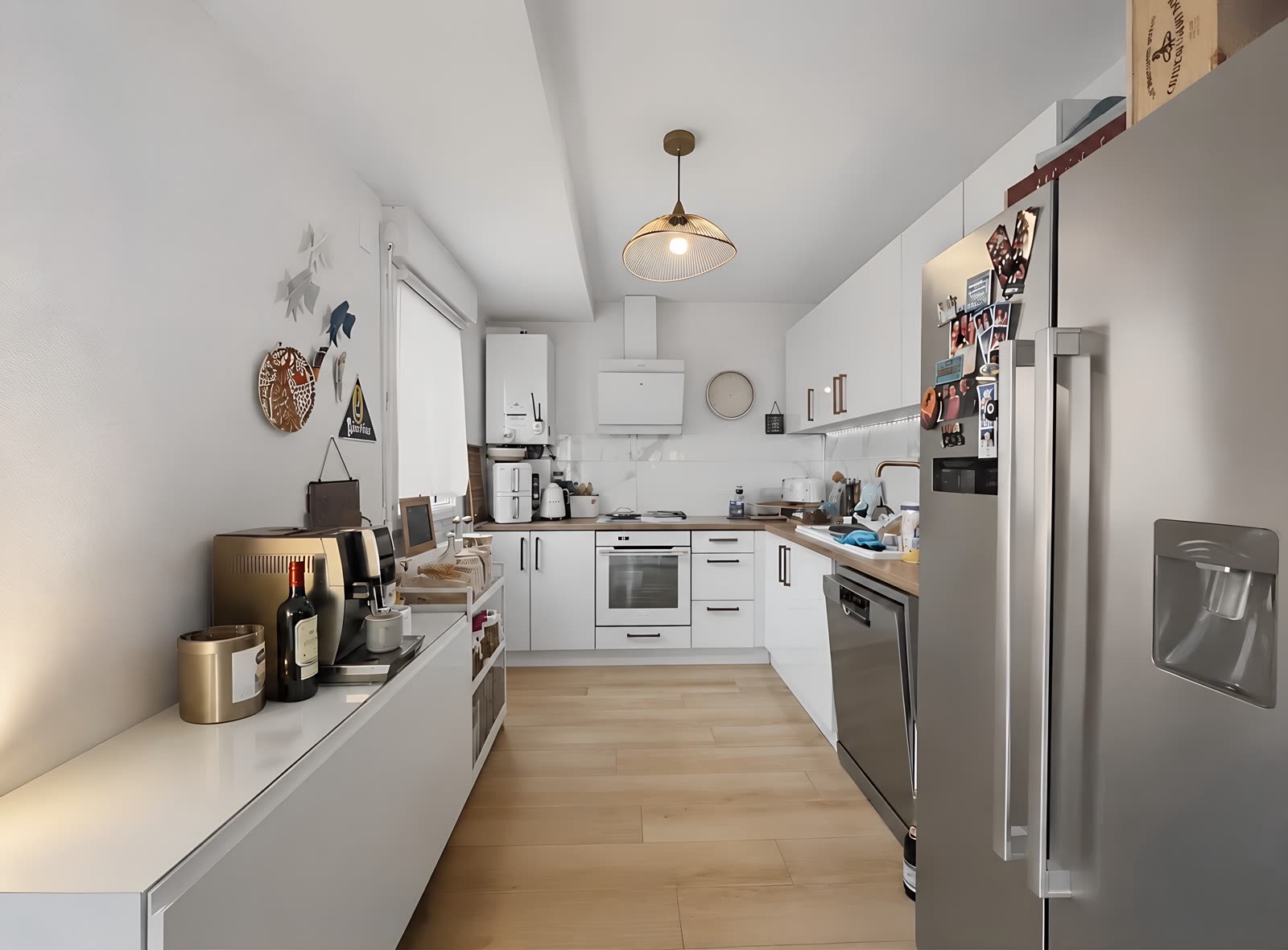
The owner's sofa, the boxes, the cluttered table: the buyer stops seeing the room and sees someone else's life. The app gives the room back its volume, walls and floor rebuilt.

  • Furniture and personal items removed
  • Floor and walls rebuilt behind the object
  • The room keeps its real dimensions
Charged in credits, price shown first
Cluttered kitchen before object removal The same kitchen after object removal BEFOREAFTER
⇄

The picture on the left-hand wall is gone. The rest of the room has not moved.

Step 3 · Furnish

An empty property doesn't sell. Furnish it.

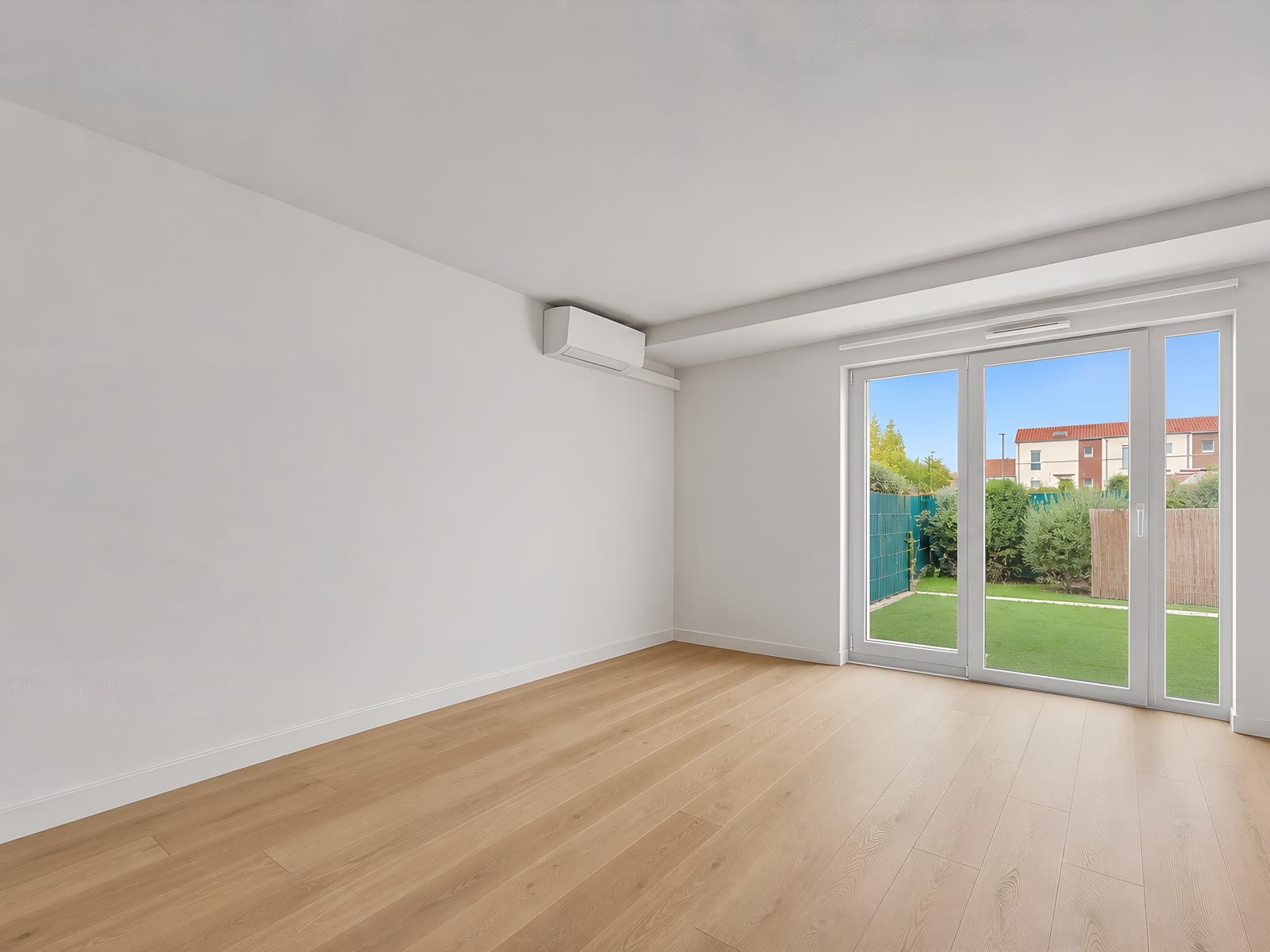
A bare room gives no sense of scale: the buyer can't tell whether their bed would fit. Virtual home staging places real furniture in the room, without renting a single piece, and without touching the structure.

  • Several furnishing styles
  • Nothing structural is changed
  • A “virtually staged photo” notice is built in
Charged in credits, price shown first
Empty room before virtual home staging The same room furnished by virtual home staging EMPTYFURNISHED
⇄

The same room, the same walls, the same floor.

Step 4 · Turn into video

Your photos become a clip.

Portals and social networks show video before photos. From the photos you have just processed, the app edits a vertical clip, ready for a post or a story.

  • Vertical format, ready for social
  • Edited from your own photos
  • No editing software to learn
The valuation

The right price, backed by real sales.

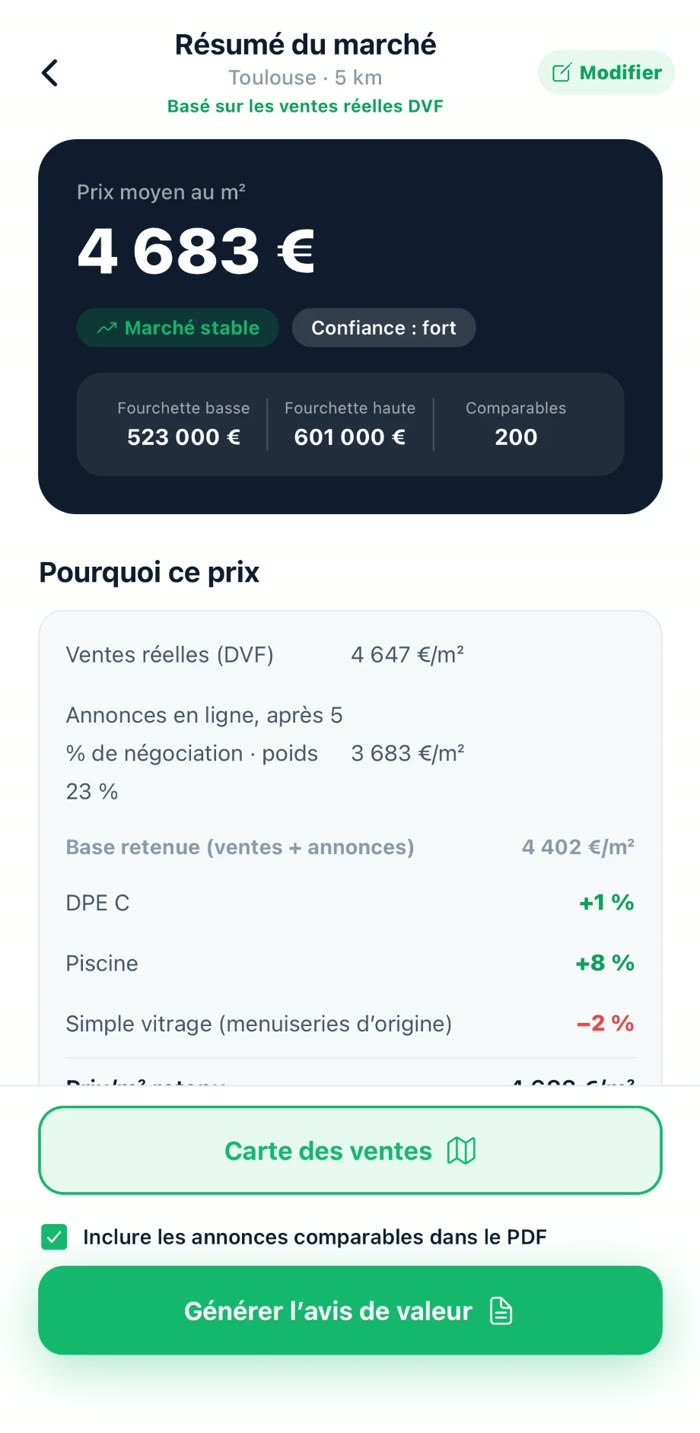
The seller's first question is the price. The valuation is based on sales actually signed around the property — not on online listings, which show what sellers hope for, not what they get.

  • A reasoned range, not a figure out of thin air
  • Local sales, at comparable size and property type
  • A document to hand the seller, in your name
Run a valuation
Market summary screen: average price per m², range and the detail of the calculation
Pricing strategies screen: quick sale, fair market price and ambitious price

The detail of the calculation is shown: real sales, listings, energy rating, pool. Nothing is hidden.

The listing

The photos are ready. So is the text.

From the property you have just photographed, the app writes the listing: headline, description, selling points. You read it over, you correct it, you publish.

  • ✓ A listing written in one click
  • ✓ A property sheet to send the seller
  • ✓ The exact address never appears
See it in the app
Example of a listing written by the app

Single-storey contemporary house, pool, quiet setting

Large dual-aspect living room opening onto a south-facing terrace and its pool. Fitted kitchen leading off it, three bedrooms including a master suite. Careful finishes, double glazing, recent heating. Ten minutes from shops and schools.

Pool Single storey Master suite South terrace

Area and town only — the exact address is never published.

Everywhere

One account, three screens.

You shoot on site with your phone and finish at the office on a big screen. Same account, same credits.

📱

iPhone and iPad

The full app, the built-in camera, edits done on the spot between two viewings.

Available on the App Store
🤖

Android

The full app on Google Play, with the built-in camera. Rather not install? It also runs in your phone's browser.

Available on Google Play
💻

Desktop

Nothing to install. Drag and drop a batch of photos, a big screen to judge the result.

app.weretouche.com
The same account everywhere. Credits, projects and photos follow you: start on the phone, finish on the computer, nothing to re-upload.
Pricing

Start for free.

1 credit = 1 HD photo with no watermark. The preview is free and unlimited: you only pay on download.

Free
€0
to try it out
  • 5 free credits
  • All the tools, in preview
  • iPhone, Android & desktop
Start for free
MOST POPULAR
Agent
€19.99
per month
  • 15 credits per month
  • All the AI tools
  • Listing radar included
  • Mobile & desktop
Choose
Agency
€49.99
per month
  • Several agents
  • Shared credits
  • Agency dashboard
See the agency plan

The questions that keep coming up.

Do I need a professional camera?+

No. A recent phone is enough: main lens, no digital zoom, camera held level at chest height, exposure metered on the window. The rest is corrected afterwards.

Does it work on Android?+

Yes. The app is available on Google Play, and it also runs in your Android phone's browser: the same tools, the same account and the same credits, with nothing to install.

What about a virtually staged photo?+

It must be flagged as such in the listing. The app provides the notice, and never alters the structure: walls, floor, openings and volumes stay those of the property.

What is a credit?+

One credit is one photo downloaded in HD, without a watermark. The preview itself is free and unlimited: you judge the result before spending anything.

Do my photos stay private?+

Yes. Your projects and photos are tied to your account. The exact address of a property never appears in documents meant for publication.

Listing radar

And for the next instruction.

Everything above is useful once the property is signed. The listing radar is useful before: it spots properties for sale around you — private-seller ads, price drops, listings that drag on — and helps you get there first.

  • Unlimited searches, included in the subscription
  • Price drops and listings that are dragging on
  • Lead follow-up, so you call back at the right moment
Discover the listing radar
The guides

Go further.

What we learned shooting properties, written down.

Try it on your next property.

5 free credits when you create your account. Free, unlimited preview: you judge on the result.

Download on the App Store Get it onGoogle Play

Or open it straight in your browser